Display Driver Uninstaller (DDU) is a driver removal utility that helps you completely uninstall AMD, NVIDIA, and Intel graphics drivers without leaving leftovers like registry keys and folders.
Trusted by gamers, IT professionals, and PC builders worldwide.
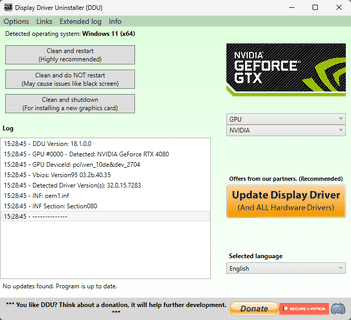
What is Display Driver Uninstaller?
DDU is a lightweight, portable utility designed to completely remove video card drivers, ensuring your system is as clean as a fresh Windows installation.
Deep Cleaning
Multi-Vendor Support
Experiencing stuttering or FPS drops? A clean install with DDU often resolves these performance issues.
Switching from NVIDIA to AMD? You must remove old drivers completely to avoid conflicts.
Troubleshooting black screens or system instability? DDU gives you a clean slate.
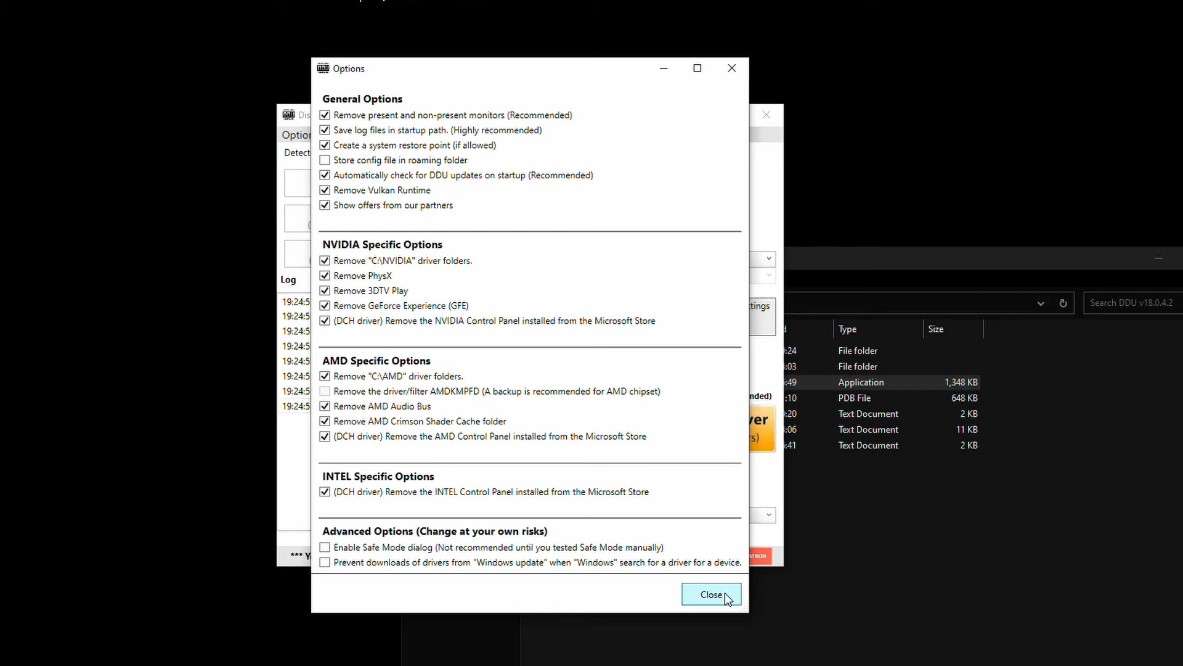
Using DDU is powerful, but it requires following the right steps to ensure safety. Our comprehensive guide covers:
Why Standard Uninstall Isn't Enough
Yes, it is widely used and trusted. However, we always recommend creating a System Restore Point before use.
Safe Mode is highly recommended to ensure all files are released by Windows and can be deleted properly.